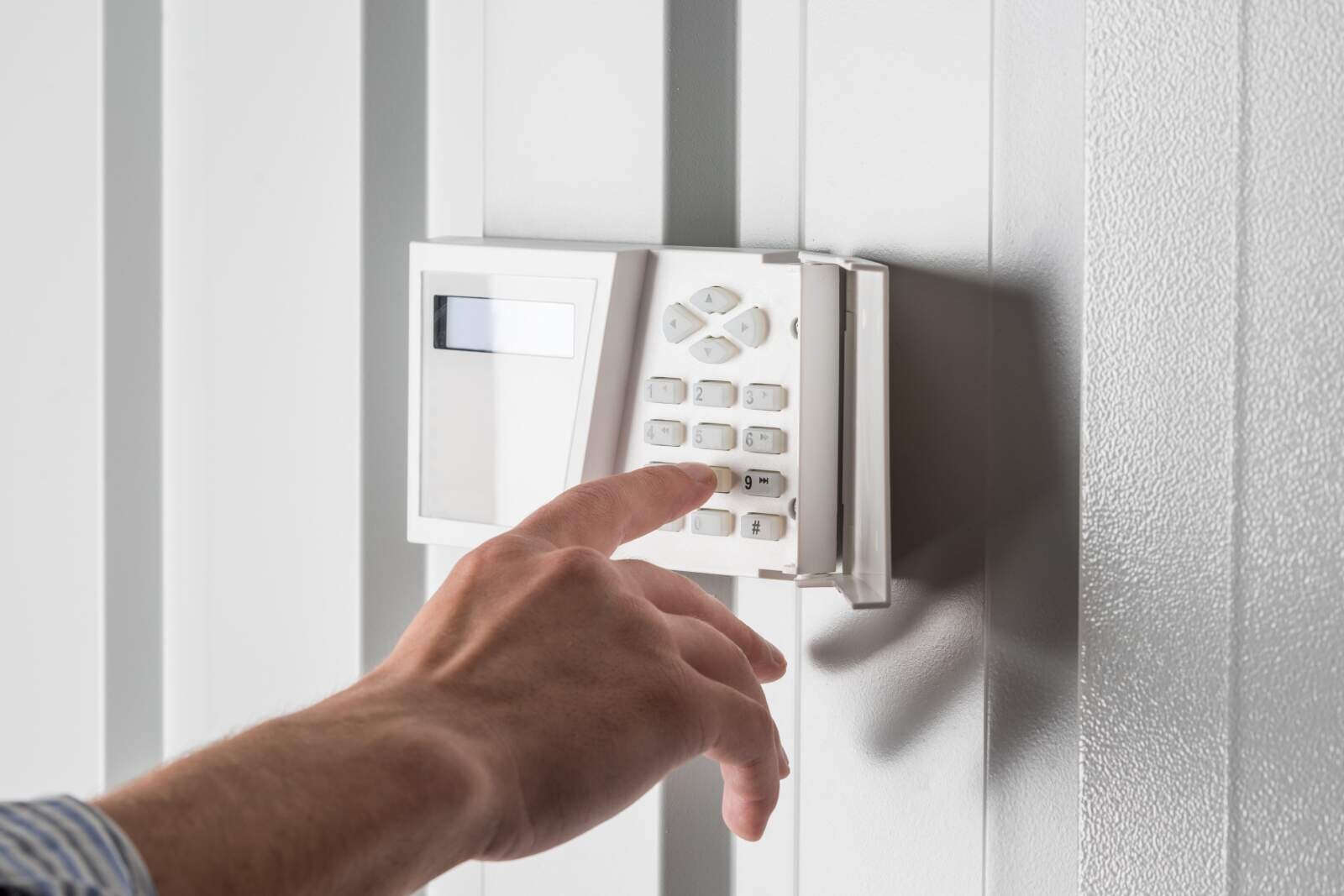
Your home should be a place where your family feels comfortable, protected and at ease, but keeping it secure takes more than simply locking your doors at night. Smart home security technology makes it easier to monitor your property, deter potential intruders and respond quickly to unexpected activity whether you’re home or away. From video doorbells and motion-activated cameras to smart locks, lighting and connected alarms, there are countless ways to build a security system that suits your home and lifestyle.
In this guide, the All Pros Property Services team will explore practical smart home security installation ideas, important features to consider and tips for creating a reliable setup that helps keep your family safe. All Pros Property Services offers numerous Residential, Commercial and Industrial Property Services throughout the Main Line Region of Philadelphia, Pennsylvania. If you live in Chester County, Pennsylvania; Delaware County, Pennsylvania; Montgomery County, Pennsylvania; or Philadelphia, Pennsylvania, and are looking for a home security expert to install or repair a security system at your home, call the All Pros Property Services team, known throughout the region for delivering world-class results!
Discover All the Projects the All Pros Property Services Team Can Do and the Greater Philadelphia, Pennsylvania, Counties and Municipalities We Serve
With Home Secruity System Installation, First Assess Your Home’s Security Risks
Before installing a smart home security system, take time to identify the areas of your home that may be most vulnerable. Walk around your property during the day and after dark, paying attention to entry points, blind spots and places where an intruder could go unnoticed.
Start with exterior doors, garage doors and ground-floor windows. Check that locks, frames and hinges are secure and consider whether each entrance would benefit from a smart lock, contact sensor or video doorbell. Don’t overlook less-obvious access points such as basement windows, side gates, balconies and doors leading from an attached garage.
Next, look at your home’s visibility. Overgrown shrubs, tall fences and poorly lighted pathways can provide cover. Motion-activated lights and strategically placed security cameras can help eliminate these blind spots while keeping cameras focused on your own property protects your family’s privacy.
It’s also useful to consider your daily routines. Do children come home before adults? Is the garage often left open? Are packages regularly left outside? Identifying these habits will help you choose practical devices such as smart garage sensors, door alerts, indoor cameras or package-detection notifications.
Finally, review your existing safety equipment. Test smoke and carbon monoxide alarms, replace weak batteries and make sure your internet router is protected with a strong password and current firmware. A smart security system works best when it addresses your home’s specific risks rather than simply adding as many devices as possible.
Choose the Right Smart Home Security System
Choosing the right smart home security system is the foundation of an effective home protection plan. With so many cameras, alarms, sensors and monitoring services available, it is important to select a system that suits your property, lifestyle and budget rather than simply choosing the most advanced option.
Start by assessing your home’s potential weak points. Consider entrances such as front and back doors, easily accessible windows, garages, driveways and darker areas around the property. A basic system may include door and window sensors, motion detectors, a video doorbell and an indoor or outdoor camera. Larger homes may benefit from additional cameras, smart locks, glass-break sensors, smoke detectors and water-leak monitors.
Compatibility is another important consideration. Choose devices that work together through the same app or smart home platform such as Google Home, Amazon Alexa or Apple Home. This makes it easier to control your security system, receive alerts and view camera footage from one place. You should also check whether the system continues to operate if your internet connection or power supply fails. Battery backups and cellular monitoring can provide extra protection during outages.
Think carefully about how you want alerts and monitoring to work. Some systems send notifications directly to your phone, and others connect you to a professional monitoring service that can contact emergency responders when necessary. Finally, review installation requirements, subscription costs, privacy settings and data-storage policies before making a purchase. A system that is easy to use, regularly maintained and properly positioned will provide far more protection than one with impressive features that your household rarely uses. Count on the All-Pros Property Services team to properly position your home security system cameras.
Ready to Talk to the All Pros Property Services Team About the Best Security System Options for Your Home?
Install a Smart Video Doorbell
A smart video doorbell is one of the simplest ways to improve your home’s security. It allows you to see who is at your door, speak with visitors remotely and receive motion alerts even when you’re away. Many models can also record activity, helping you monitor deliveries and identify unfamiliar visitors.
For the best coverage, install the doorbell at a height that captures faces and packages without pointing directly into a neighbor’s private space. Make sure it has a clear view of the walkway and is positioned where it cannot easily be tampered with. If your entrance is poorly lit, choose a model with night vision or add a motion-activated light nearby.
Before purchasing, check whether the doorbell is compatible with your existing wiring, Wi-Fi network and smart home system. Use a strong, unique password for the associated account and enable two-factor authentication whenever possible. It is also wise to review recording and privacy settings regularly so the device protects your family without capturing more surrounding activity than necessary.
Place Security Cameras Strategically When Installing Your Home Security System
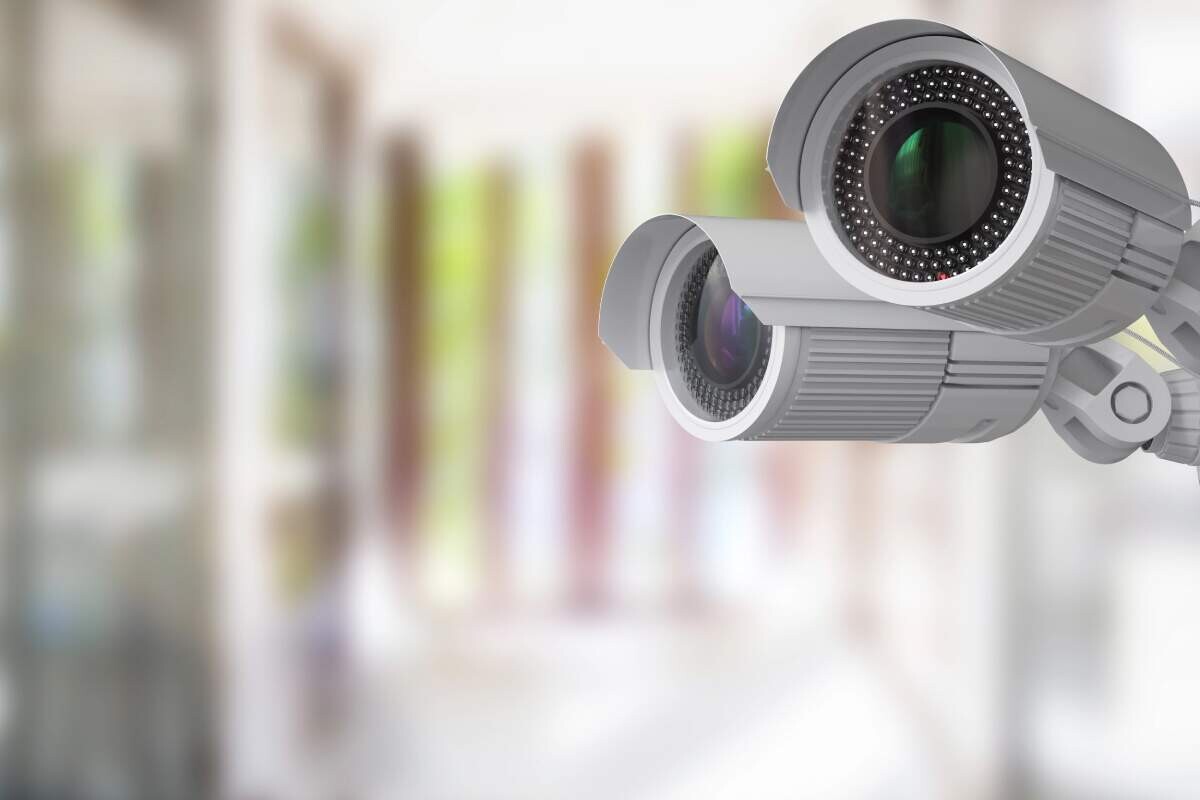
Security cameras are most effective when they cover the areas that matter most rather than simply recording every corner of your property. Start by positioning cameras at main entry points, including the front door, back door, garage and side gates. These locations are commonly used by visitors and potential intruders, so clear footage can be especially valuable.
Make sure each camera provides a wide, unobstructed view. Mount outdoor cameras high enough to prevent tampering but not so high that faces become difficult to identify. Motion-activated lighting can also improve visibility at night and discourage suspicious activity. For indoor cameras, consider placing them in shared spaces such as entryways or living rooms—never in private areas such as bedrooms or bathrooms. You can rely on the All Pros Property Services team, deeply experienced in home security system installation, to set up your cameras in the best possible positions.
When installing cameras, check for blind spots caused by walls, trees, fences or decorative features. You should also secure your camera network with strong, unique passwords and two-factor authentication where available. Finally, respect your family’s and neighbors’ privacy by aiming cameras only at areas you own and checking local regulations before recording outdoor spaces.
A Smart Choice Is to Upgrade to Smart Locks
Smart locks are a convenient way to strengthen your home’s security while making everyday access easier. Instead of relying solely on traditional keys, you can unlock your doors with a keypad code, smartphone app, fingerprint or voice assistant. This means you can create unique access codes for family members, trusted friends, cleaners or dog walkers—and remove them whenever access is no longer needed.
When choosing a smart lock, look for features such as automatic locking, tamper alerts, temporary guest codes and activity logs that show when the door was locked or unlocked. Some models can also connect to your wider home security system, allowing you to lock the doors remotely or receive an alert if someone attempts to force entry.
For the best protection, select a lock that fits your existing door securely and has a reliable backup method such as a physical key or emergency battery connection. Keep the lock’s firmware updated, use strong, unique passwords and enable two-factor authentication where available. A smart lock should complement—not replace—good habits, so always check that doors and windows are secured before leaving home or going to bed.
Secure Windows and Secondary Entrances As Part of a Stout Home Security System Installation
Windows, side doors, basement entrances and garage doors are often overlooked when securing a home. Make sure every window has a sturdy, functioning lock and consider adding secondary pins or window security latches to prevent it from being forced open. For ground-floor and easily accessible upper-floor windows, security sensors can send an alert to your smartphone if the window is opened unexpectedly.
Secondary entrances should receive the same attention as your main front door. Install strong deadbolts, reinforce door frames with longer screws and use a smart lock or contact sensor to monitor access. Sliding glass doors can be secured with a security bar or dowel in the track, and shatter-resistant film can make the glass more difficult to break.
Good lighting also acts as an effective deterrent. Install motion-activated lights near side gates, garages and other hidden entry points. Additionally, position security cameras so they cover doors and windows without invading neighbors’ privacy. Finally, keep shrubs and trees trimmed around entrances to remove hiding places and improve visibility. These simple upgrades can close common security gaps and give your family greater peace of mind.
Add Motion and Entry Sensors to Your Home Security System
Motion and entry sensors are simple, affordable ways to strengthen your home security system. Entry sensors can be placed on doors, windows, garages and other access points to alert you whenever they are opened unexpectedly. For the best coverage, install them on the main entry door, patio doors, basement windows and any ground-floor windows that are hidden from view.
Motion sensors add another layer of protection by detecting movement in selected areas. Position them in hallways, staircases, entryways and large rooms but avoid pointing them directly at windows, heating vents or areas where pets regularly move, as these can trigger false alarms. Many modern systems allow you to adjust sensitivity or create pet-friendly settings.
Connect your sensors to a smartphone app so you receive instant notifications when unusual activity is detected. You can also program them to turn on lights, activate cameras or alert a monitoring service. Before relying on the system, test each sensor regularly and replace batteries as needed. When installed thoughtfully, motion and entry sensors can help deter intruders and give your family valuable peace of mind.
Install Smart Smoke and Carbon Monoxide Detectors
Smart smoke and carbon monoxide (CO) detectors add an extra layer of protection by alerting you to danger quickly—even when you’re away from home. Unlike traditional alarms, connected detectors can send notifications to your smartphone, allowing you to check on your family or contact emergency services if an alarm is triggered while you’re at work or traveling.
Install smoke detectors in every bedroom, outside sleeping areas and on each level of your home. Place CO detectors near sleeping areas and close to fuel-burning appliances such as boilers, fireplaces and gas stoves. Avoid installing them directly beside windows, doors, vents or fans, where drafts may affect their performance.
When choosing a smart detector, look for features such as loud voice alerts, battery-life notifications, self-testing, app connectivity and compatibility with your existing smart home system. Some models can also distinguish between smoke and carbon monoxide, helping you understand the type of danger more quickly.
Test each detector regularly, replace batteries when needed and follow the manufacturer’s recommended replacement schedule. Smart technology is helpful, but it should support—not replace—a clear family escape plan and properly maintained heating and electrical systems.
Improve Outdoor Lighting and Visibility
Outdoor lighting is one of the simplest ways to discourage unwanted visitors and make your property easier to monitor. A well-lit exterior removes hiding places around doors, windows, garages and pathways while also helping your family move safely around the home after dark.
Install motion-activated lights near entry points, driveways, gates and areas that are difficult to see from inside the house. These lights can startle intruders and alert you to movement without staying on all night. For regularly used areas such as porches and walkways, dusk-to-dawn or low-level lighting can provide consistent visibility.
Consider using smart bulbs or connected security lights that you can control remotely through an app. Some systems enable you to create schedules, adjust brightness or activate lights automatically when a security camera detects motion. You can even switch lights on while you are away to make the property appear occupied.
Avoid positioning lights so they shine directly into windows or security cameras, as glare can reduce visibility. Instead, angle them downward and use several smaller fixtures to provide even coverage. Trim overgrown shrubs and tree branches as well, since clear sightlines allow cameras, neighbors and household members to spot unusual activity more easily. With complex landscaping, you might wish to put your mind at ease by calling on All Pros Property Services to handle not only landscaping design and home security system setup.
Connect Your Devices to a Secure Home Network
A smart security system is only as strong as the network supporting it. Cameras, video doorbells, smart locks, alarms and motion sensors all communicate through your router, so securing your home network should be a key part of the installation process.
Start by replacing the router’s default administrator name and password with unique credentials. Use a strong Wi-Fi password and choose WPA3 encryption if your router and devices support it. If WPA3 is unavailable, WPA2 is still a secure option—just avoid older standards such as WEP.
For added protection, create a separate guest or Internet-of-Things (IoT) network for smart home devices. This keeps cameras and other connected equipment isolated from computers, phones and personal files. Even if one device is compromised, the separation can make it more difficult for an intruder to access the rest of your network.
Before installing each device, change its default login details and enable two-factor authentication whenever available. Keep the router and all smart devices updated with the latest firmware because updates often fix security weaknesses. It is also wise to disable features you do not use such as remote access or universal plug-and-play unless they are essential.
Finally, place the router in a secure, central location and review the list of connected devices regularly. Removing anything unfamiliar and checking access permissions can help ensure that only trusted equipment and household members have access to your home security system.
Set Up Alerts, Automations and Emergency Contacts As Part of Your Home Security System Installation
A smart security system is most useful when it can notify you quickly and respond automatically. Start by enabling alerts for important events such as motion detected near entrances, doors or windows opening, smoke or carbon monoxide detection, water leaks and cameras identifying activity while you are away. Adjust notification settings so you receive the information you need without being overwhelmed by false alarms.
Automations can add another layer of protection. For example, you might program exterior lights to switch on when motion is detected, lock smart doors automatically at night or have indoor lights turn on while you are away to make the home appear occupied. You can also create a “goodnight” routine that checks whether doors are locked, alarms are armed and garage doors are closed before bedtime.
Be sure to add trusted emergency contacts to your security app and monitoring service. Include household members, a nearby relative or a dependable neighbor who can respond if you cannot. Make sure everyone knows what different alerts mean and what action to take. Keep contact details up to date, test your alarms regularly and review your automation settings whenever your household routine changes. A well-planned system helps you respond faster while providing reassurance when you are home or away.
Protect Your Privacy and Personal Data
Smart home security devices can help protect your family, but they also collect sensitive information about your routines, conversations and daily activities. Cameras, video doorbells, smart locks and voice assistants may store data in the cloud, so it’s important to understand how that information is handled before installing a device.
Start by choosing reputable brands with clear privacy policies and strong security features. Change every default username and password and use a unique, complex password for each account. Wherever possible, enable two-factor authentication to prevent unauthorized access—even if someone manages to obtain your password.
Keep your devices, mobile apps, router and security software updated. Manufacturers regularly release updates that fix vulnerabilities, so turn on automatic updates if the option is available. It’s also a good idea to place smart home devices on a separate guest Wi-Fi network rather than connecting them directly to the network used for personal computers and banking.
Be thoughtful about where cameras and microphones are installed. Avoid pointing indoor cameras toward private areas such as bedrooms or bathrooms and review who has permission to view recordings. Delete stored footage you no longer need, limit cloud storage where possible and disable features such as audio recording or location tracking if they aren’t essential.
Finally, review your privacy settings regularly and remove devices or user accounts you no longer use. A few simple precautions can help you enjoy the convenience of smart home security without giving up control of your family’s personal data.
With Your Home Security System, It's Key to Create a Family Safety Plan
Even the most-advanced smart home security system works best when everyone in the household knows what to do in an emergency. Create a simple family safety plan that covers common situations such as a break-in, fire, carbon monoxide alert, medical emergency or severe weather.
Start by identifying at least two escape routes from every room, particularly bedrooms and upper floors. Choose a safe meeting point outside the home where everyone can gather and make sure children understand never to re-enter the property once they have escaped. Practice the plan regularly so that family members can respond calmly rather than panic during a real emergency.
Your plan should also include important contact information such as emergency services, trusted neighbors, relatives, your home security provider and utility companies. Store these details somewhere accessible and teach children how and when to call for help. If your smart security system supports emergency alerts, configure notifications for every household member who should receive them.
Finally, review your plan whenever you make changes to your home, add new security devices or welcome a new family member or pet. A well-rehearsed safety plan, combined with properly installed cameras, alarms, smart locks and sensors, gives your family the best chance of staying safe when it matters most.
Connect With the All Pros Property Services Team to Discuss Your Home's Best Security System Options
Maintain and Test Your Home Security System Regularly
Know that the most-advanced home security system can fail if it isn’t maintained properly. Make it a habit to test your alarms, cameras, sensors and smart locks regularly so you can identify problems before they affect your family’s safety. Check that door and window sensors respond correctly, motion detectors are working and cameras provide a clear view both during the day and at night.
Replace batteries as soon as you receive a low-battery alert and consider changing them on a regular schedule rather than waiting for them to run out. If your system is connected to a backup battery or generator, test that equipment as well. You should also inspect cables, mounting brackets and outdoor devices for signs of damage caused by weather or tampering.
Keep your security software and mobile apps updated to benefit from the latest security patches and features. Review user access regularly, removing old accounts and changing passwords if someone no longer needs access. Finally, test your alarm’s connection to its monitoring service and make sure emergency contact details are current. A few minutes of routine maintenance can help ensure your security system is ready when you need it most.
With the right smart home security setup, protecting your family can become simpler, faster and more reliable. From strategically placed cameras and motion sensors to smart locks, video doorbells and connected alarms, each device can add another layer of peace of mind. Take time to assess your home’s unique needs, choose trusted products, secure your network and keep your systems updated. A thoughtful installation today can help you stay informed, respond quickly and create a safer home for everyone tomorrow.
Work With All Pros Property Services
Whether you need Carpentry and Handyman Services; Electrical and Mechanical Services; Heating, Ventilation, Air Conditioning (HVAC) and Mechanical Services; Masonry and Landscaping Services; Painting and Specialty Services; Plumbing and Mechanical Services; Roofing and Siding Services; Home Security, Video and Sound Services; and/or Snow Removal Services, All Pros Property Services has you covered!